
Install LearnEdgeOn Your Device
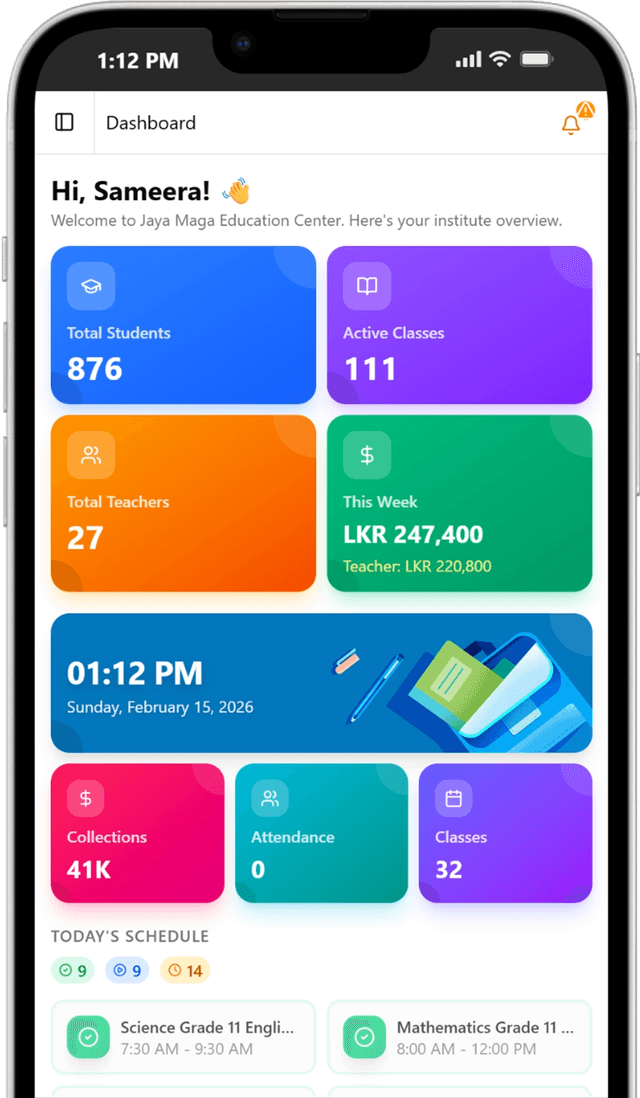
Get instant access from your home screen. No app store required, installs in seconds, and works like a native app.
Available on all platforms


Why Install?
Experience LearnEdge like a native app with enhanced performance.
Native Experience
Full-screen app without browser bars for immersive learning
Lightning Fast
Instant loading with optimized performance and caching
Quick Access
Launch from home screen instantly, no searching needed
Secure & Private
Enterprise-grade security with offline data protection
Install on Chrome/Edge
Follow these steps to install LearnEdge
Open Browser Menu
Click the three dots (⋮) in the top right corner
Find Install Option
Look for "Install LearnEdge" or "Install App"
Click Install
Confirm installation when prompted
Note: If you recently uninstalled the app, you may need to refresh the page or wait a few moments for the automatic install option to become available again.